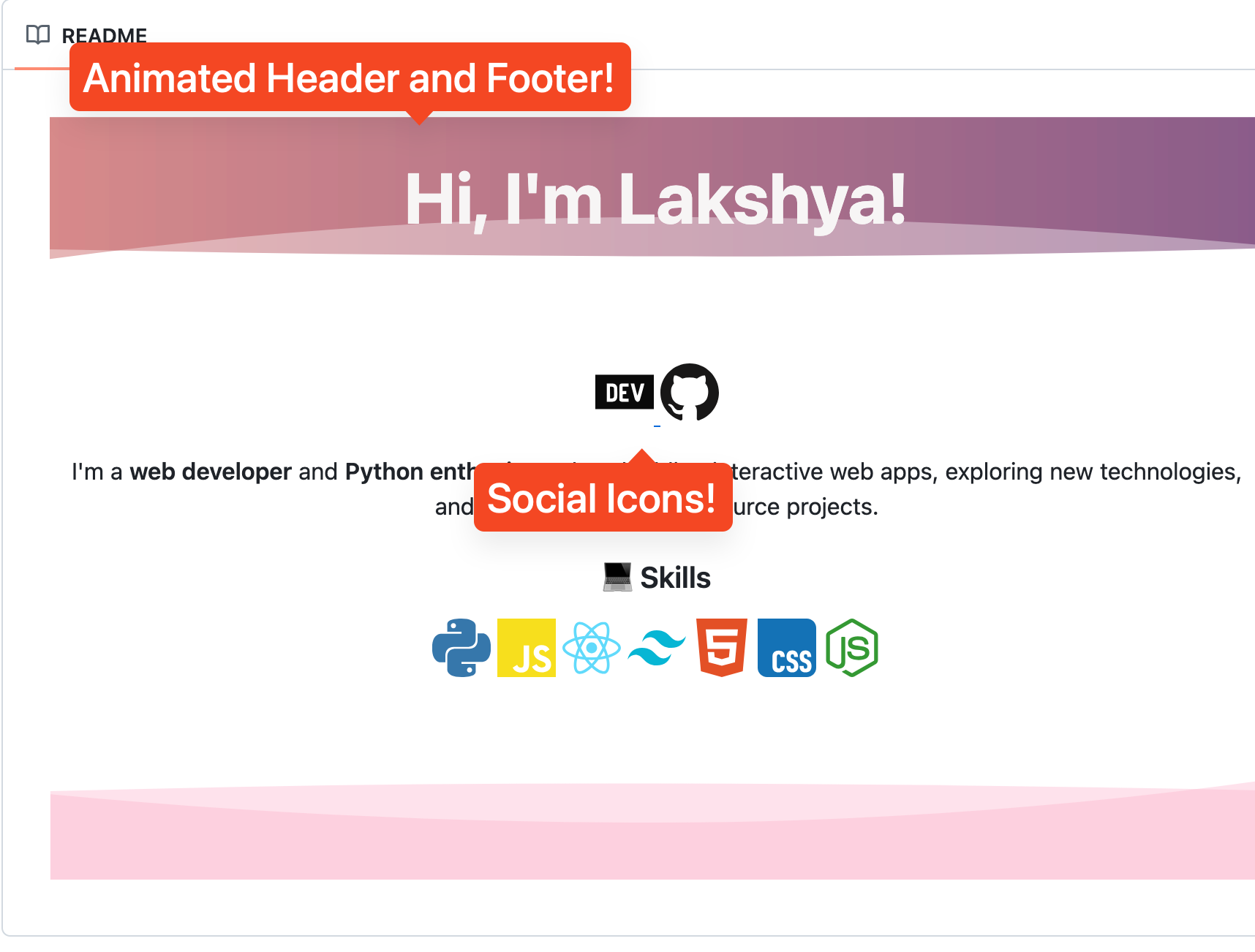
A visually appealing GitHub profile README can make your account stand out, showcase your skills, and leave a lasting impression on visitors. In this post, we'll explore how to enhance your profile README using some free tools.
🎨 1. Add an Animated Header with capsule-render
Capsule-render lets you create eye-catching animated headers and footers. Embed it at the top of your README to greet visitors:

Customize:
- type: waving, float, slice, etc.
- color: gradient or single color
- text: your personal greeting or tagline
For more options visit the capsule-renderer website.
It instantly gives your profile a dynamic, welcoming look.
undefined 2. Introduce Yourself
Write a short, friendly intro to let visitors know who you are and what you do.
### 👋 About Me
Hi! I'm **YourName**, a web developer and Python enthusiast. I love building interactive web apps, exploring new technologies, and sharing knowledge through open-source projects.
🛠 3. Showcase Skills with devions
Display your tech stack with crisp icons. Here’s an example:
### 💻 Skills




You can arrange them in a row or group by category.
You can find the icons at devicon.dev.
📊 4. Add GitHub Stats Cards
Showcase your GitHub statistics using GitHub Stats Generator.
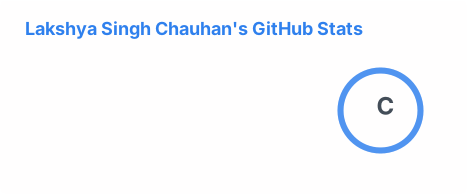

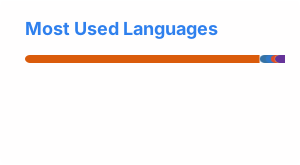
You can also change the theme of the cards through the generator
{: .prompt-tip}
🧩 5. Add an Animated Footer with capsule-render
To top it all off, add a nice footer to the end using the capsule-render I mentioned before:

💡 6. Extra Tips
- Use emoji to add personality and visual cues.
- Keep sections short and readable.
- Include links to your portfolio or social media accounts.
- Update regularly to reflect your latest skills and projects.
✅ Final Result
This is how my GitHub README turned out: View on GitHub
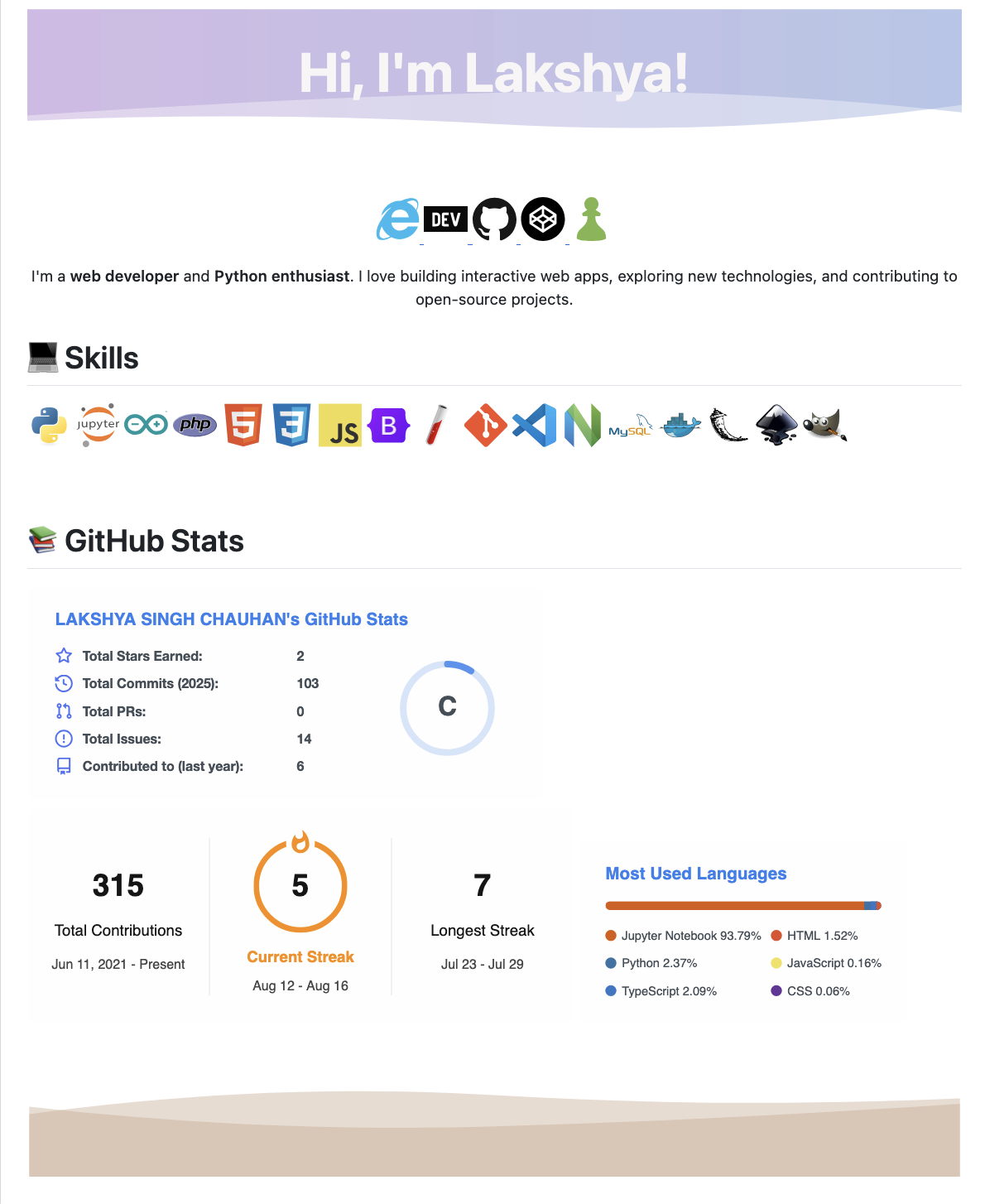
Final Result
A well-designed GitHub profile README is all about first impressions. Using tools like capsule-render for animation and devicon for skill display can make your profile pop while keeping it professional.